

24/7 Customer Support
Questions about your food order, package delivery, or account? Get help anytime through the app — whether it's a missing item or something that doesn't feel right.
Whether you're ordering food from a local merchant, sending a package across town, or shopping on SendAm — we build safety into every step so you can order with confidence.
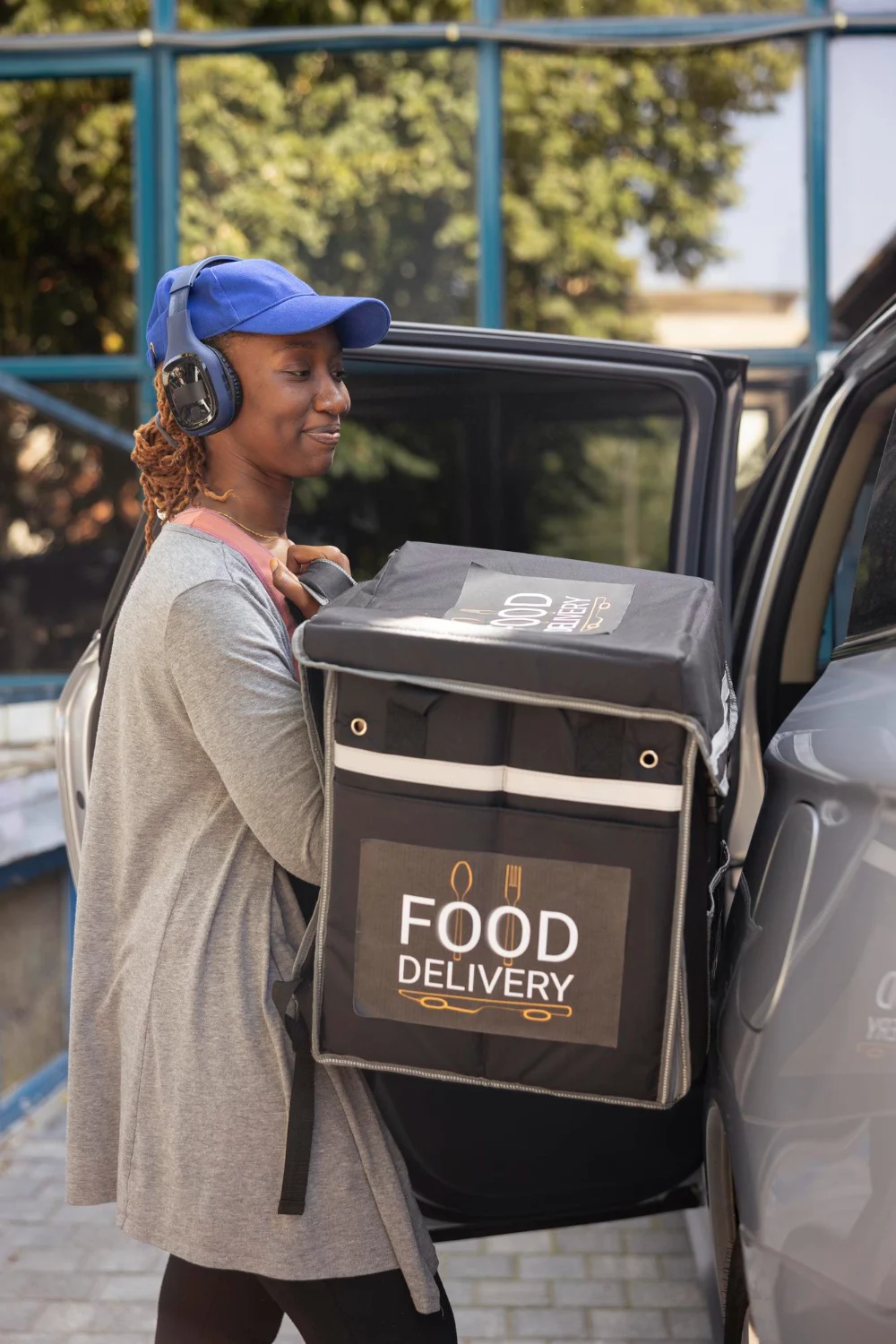
From late-night meals to same-day packages, these tools are designed to keep you informed and protected whenever you order on SendAm.
Questions about your food order, package delivery, or account? Get help anytime through the app — whether it's a missing item or something that doesn't feel right.

Tap the shield in the app to see safety tips, report an issue, or reach support during an active food or package delivery.

Follow your food or package from the merchant to your door with real-time GPS tracking so you always know where your order is.

Restaurants, shops, and delivery partners on SendAm go through checks before they can accept orders, helping keep the marketplace trustworthy.

Send a live link to family or friends so they can follow your food or package delivery until it arrives safely.

Rate merchants and couriers after every order. Your feedback helps us maintain quality and remove partners who don’t meet our standards.

Food merchants and retail partners must meet SendAm standards before they can list on the platform. We review business details, monitor ratings, and take action when orders or hygiene concerns are reported — so you can order from local restaurants and shops with more peace of mind.

Check your order summary and merchant name before checkout. When your courier arrives, confirm the order is sealed and matches what you ordered. Report missing items or food-safety concerns in the app right away.

Track your courier in real time and share delivery status with someone you trust. Confirm the package description in the app before handoff, and use in-app support if anything looks damaged or incomplete.